Beta Chip
A downloadable tool for Windows
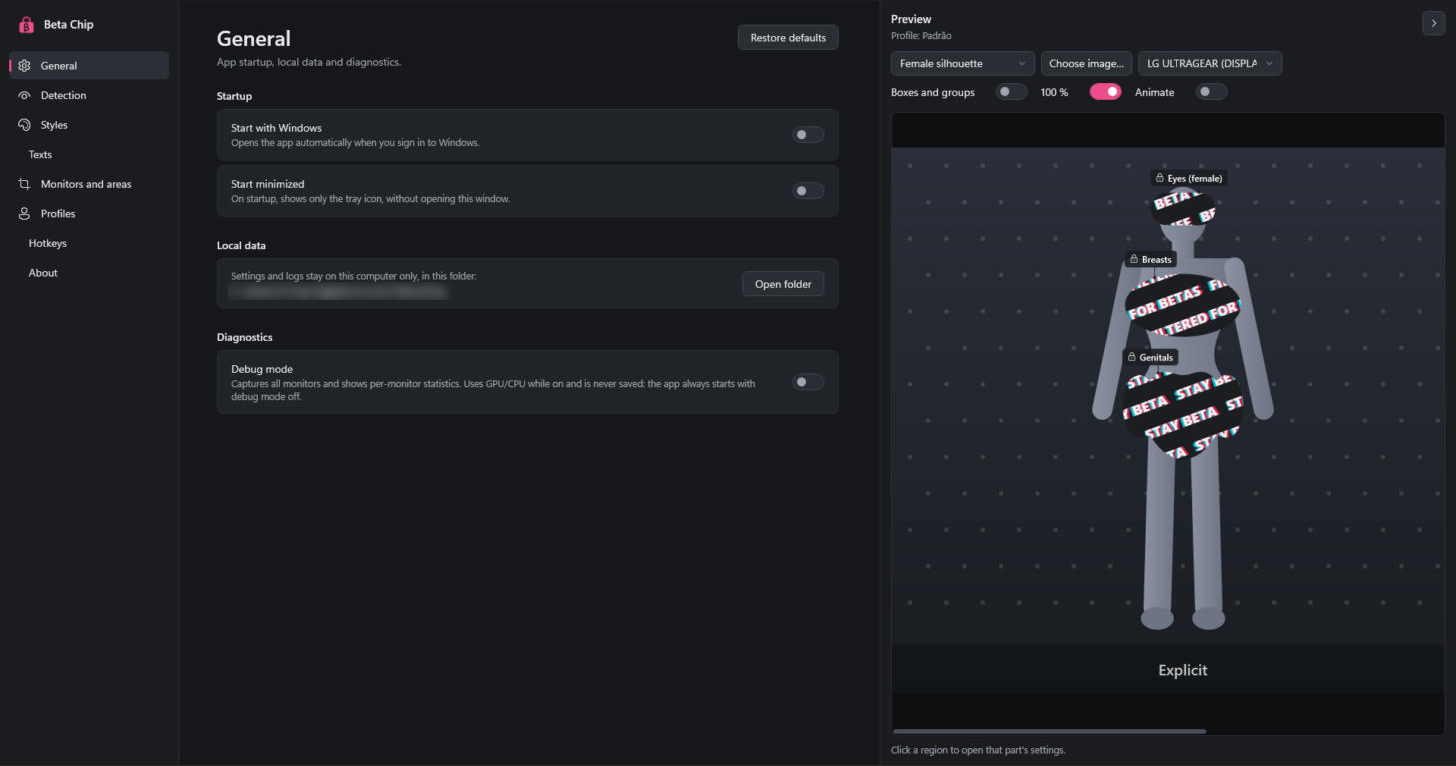
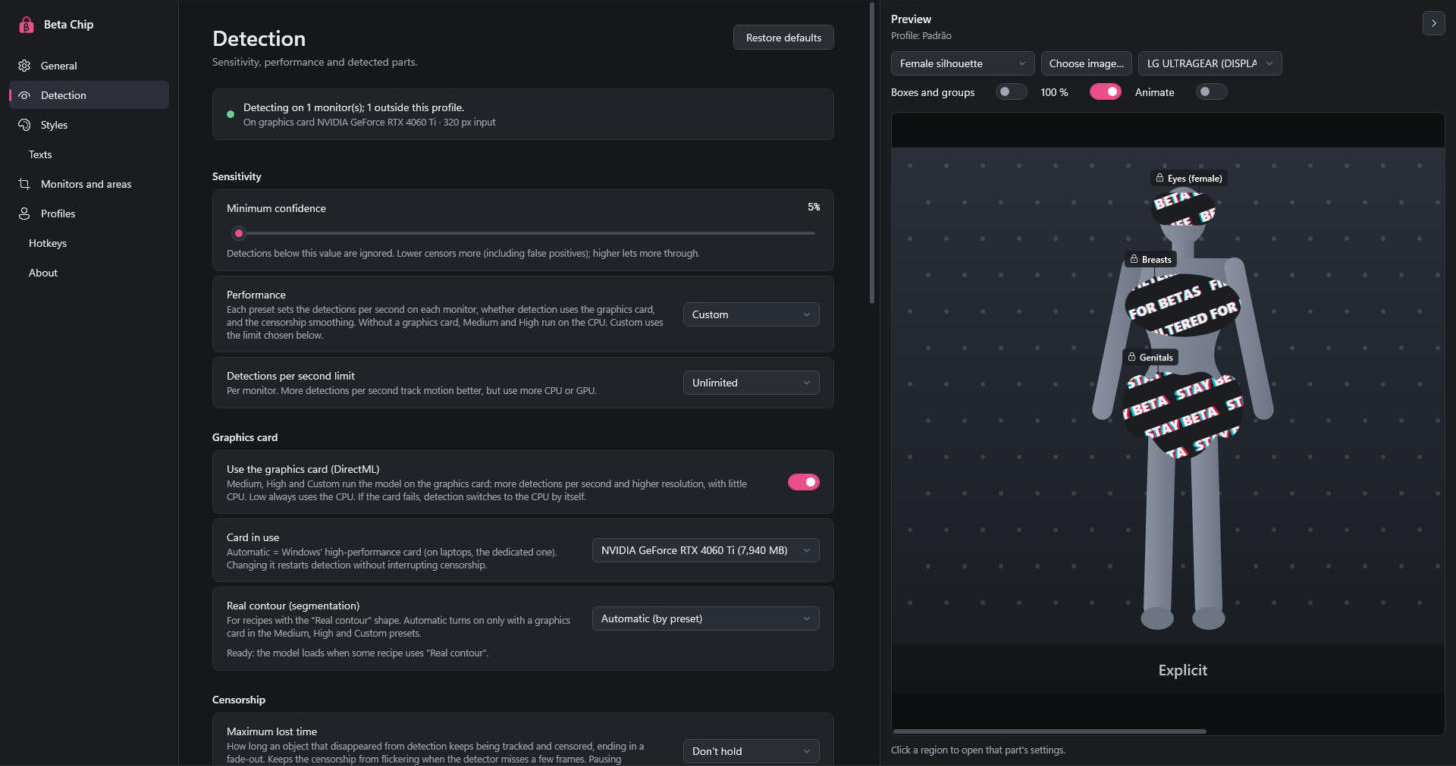
Beta Chip watches your screen and censors what you don't want to see, in real time, on top of anything: browsers, videos, games, images.
No uploads. No accounts. No cloud. Every frame is analyzed locally on your PC by an AI vision model and never leaves your machine.
How it works
Beta Chip runs quietly in the system tray, captures your screen, detects the regions you chose and draws a transparent, click-through overlay over them. You keep using your PC normally while the censor follows the content.
Features
- Live AI detection: local ONNX model, GPU-accelerated when available
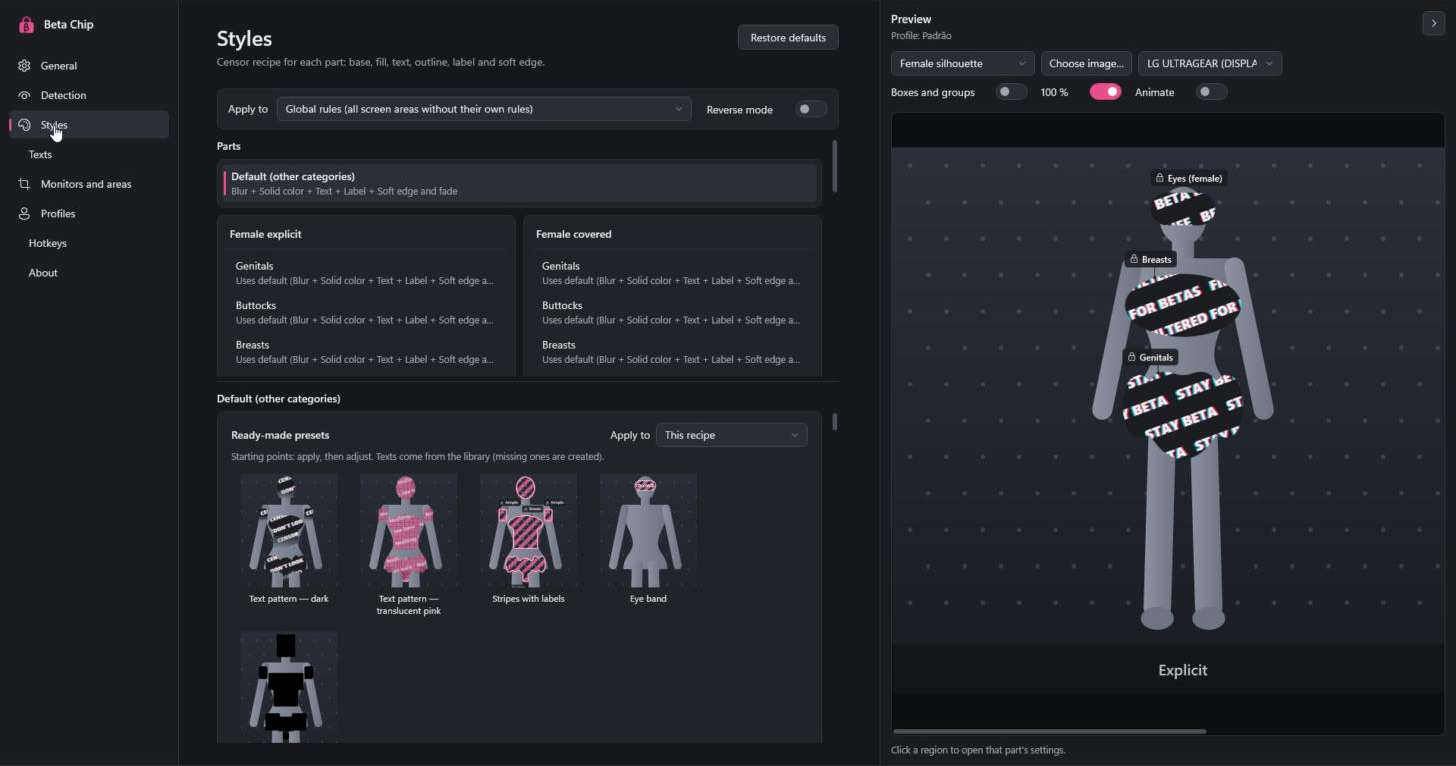
- Pick what gets censored: body-part categories (female / male, explicit / covered) and eyes, each toggled individually
- Censor styles: black bar, solid color, blur, pixelate, mosaic, image and custom text, with organic shapes
- Smooth tracking: censors follow moving objects without flicker
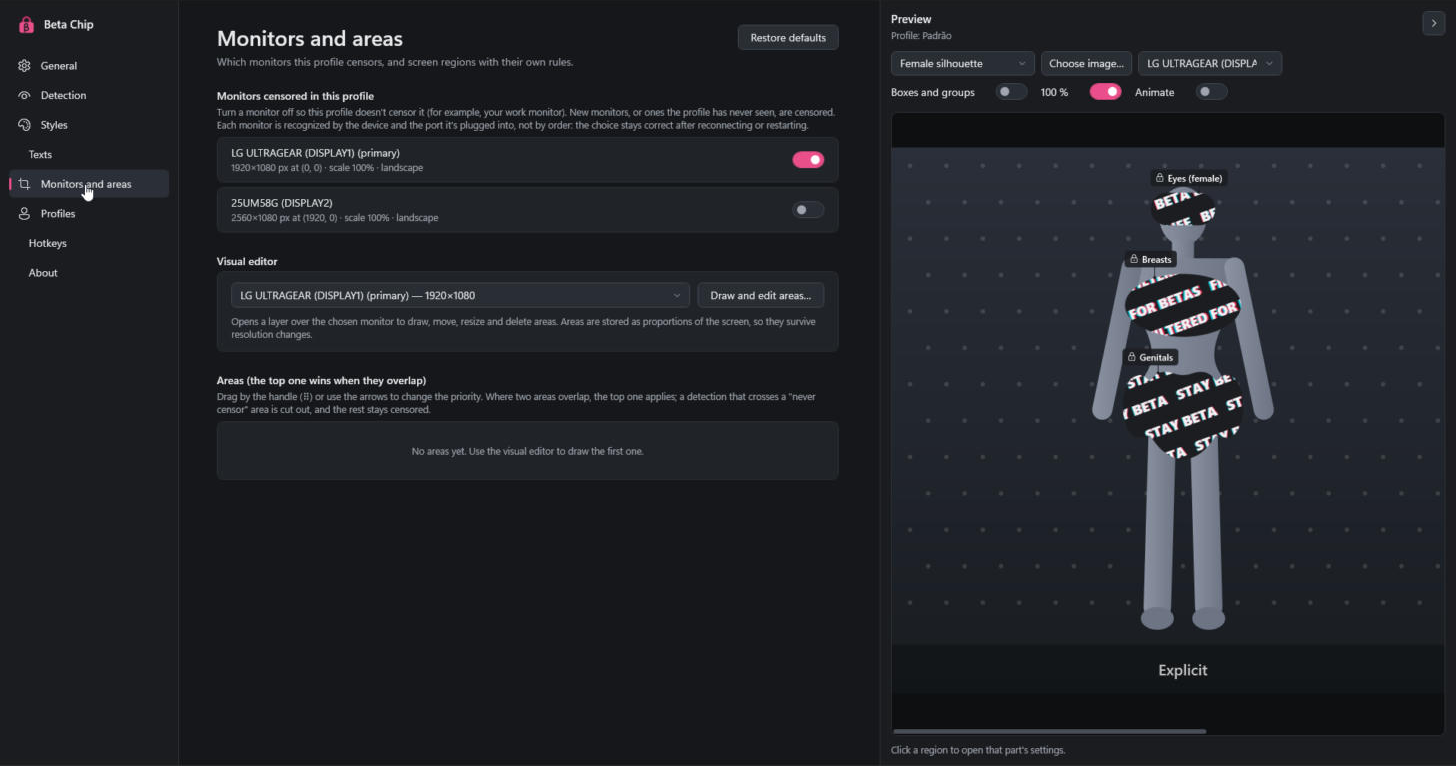
- Screen areas: define custom regions with their own rules and priority
- Reverse mode: censor everything except what is detected
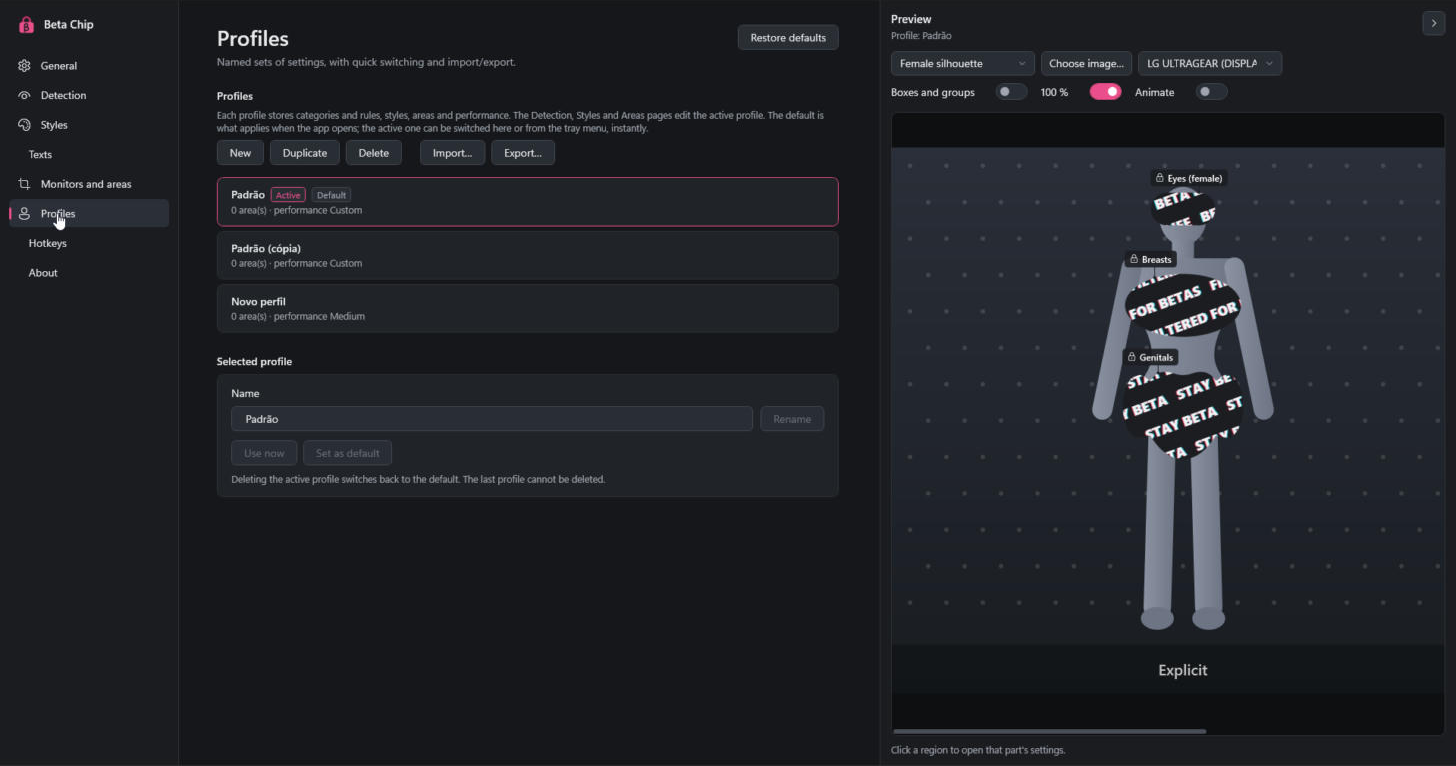
- Profiles: save, export and import your setups as JSON
- Global hotkeys: toggle the censor instantly, from any app
- Multi-monitor and DPI aware
- 100% offline and private
Free demo
Not sure yet? Download the free demo right here on this page and see how Beta Chip works on your PC before buying. Some features are locked in the demo. Bug reports and suggestions in the community are very welcome!
Requirements
- Windows 10 or 11 (64-bit)
- A dedicated GPU is recommended for smooth real-time detection, but not required
Installation
- Download the installer (or the .zip and extract it)
- Run Beta Chip
- Find the β padlock in the system tray and open the settings
Windows SmartScreen may warn you because the app is new and unsigned. Click More info, then Run anyway.
Privacy
Beta Chip does not collect, store or send any screen content. Detection happens entirely on your computer.
Purchase
In order to download this tool you must purchase it at or above the minimum price of $3.99 USD. You will get access to the following files:
Download demo
Development log
- Beta Chip 1.0 is out! (free demo included)4 days ago